
OMR result processing: scanning 3,000 answer sheets in an afternoon
Sheet design, scanner settings and the error-flagging workflow that keeps automated MCQ marking trustworthy.

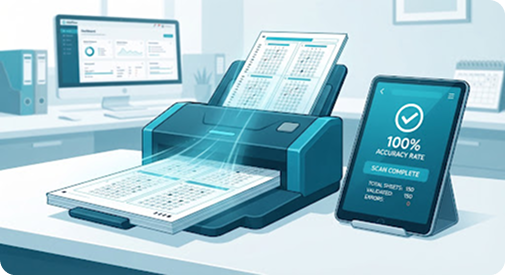
Manual MCQ marking is where exam timelines quietly collapse. A single teacher marking 3,000 sheets by overlay key is a week of work and a guaranteed source of disputes.
Get the sheet design right first
Most OMR accuracy problems are print problems, not software problems. Three rules cover almost all of it:
- Print at 100% scale — "fit to page" shifts the registration marks and nothing aligns.
- Use 80gsm or heavier paper so ink does not bleed through and register as a mark on the reverse.
- Keep at least 8mm clear around every corner marker.
Trust, but flag
The scanner will read a double-bubble or a half-erased answer as ambiguous. Aalo does not guess on these — it flags the sheet and puts it in a review queue with the scanned image beside the detected answer, so a human resolves only the handful that actually need it.
On a typical 3,000-sheet run, expect 20 to 60 flagged sheets. That is fifteen minutes of review, not a week of marking.
Publishing
Once the queue is clear, results push straight into tabulation, grades apply from the weighted scheme you configured, and guardians see the result in the mobile app the moment you publish.
Related articles

Closing the books: fee ledgers that reconcile on the first try
Fee heads, waivers and multi-campus ledgers — how to structure them so the year-end audit is uneventful.

Cutting attendance roll-call from 12 minutes to 40 seconds
How QR and RFID check-in replaces the paper register, and what schools should prepare before switching over.
Closing the books: fee ledgers that reconcile on the first try
Fee heads, waivers and multi-campus ledgers — how to structure them so the year-end audit is uneventful.